
7: Local Testing
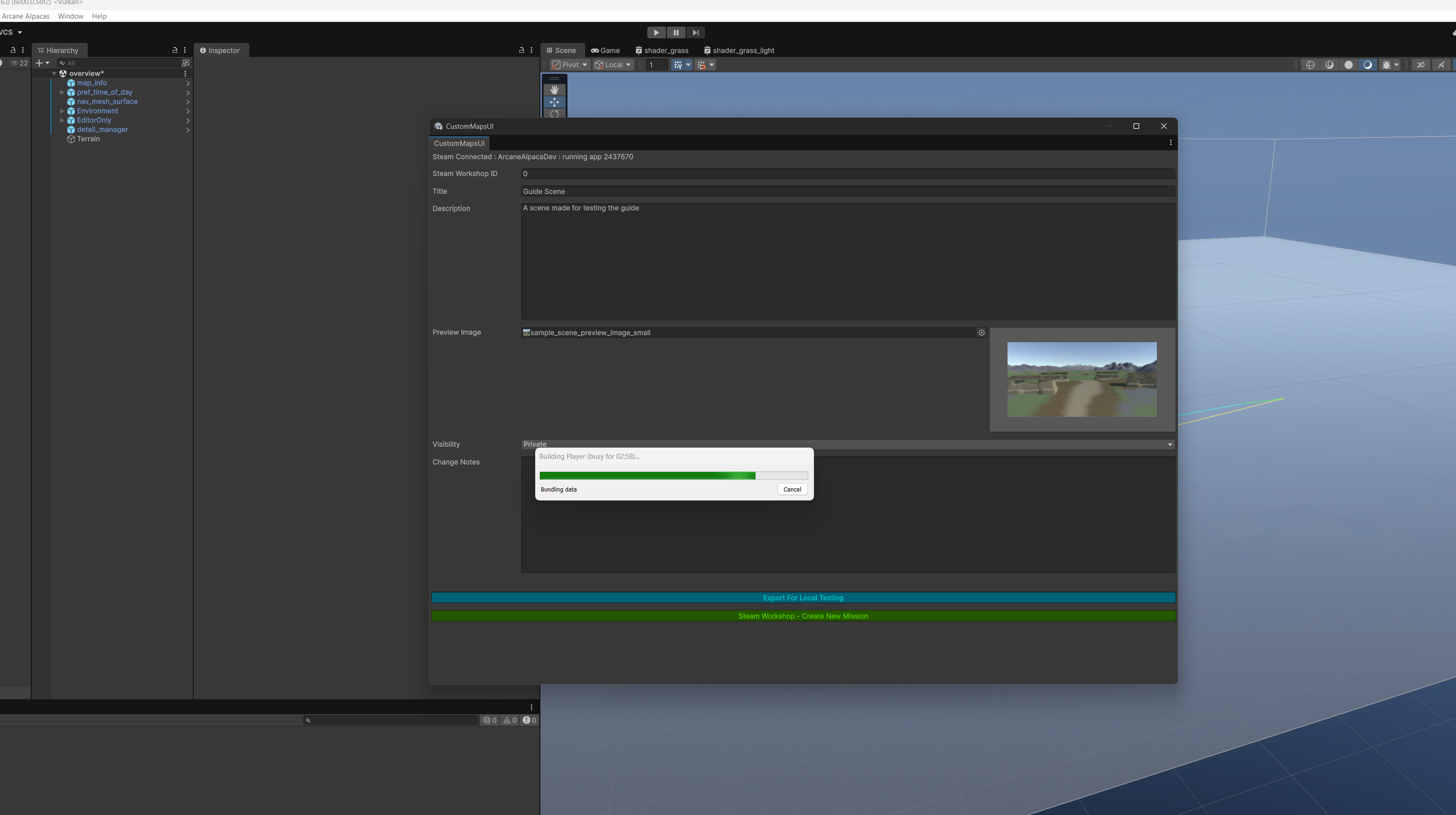
Open the Upload Window either by clicking the button at the top of “map_info” or by going to “Arcane Alpacas<Upload Window”
Next click “Export For Local Testing”
This can take a few minutes the first time as it needs to compile shaders. It only needs to do this the first time or when shaders change. So the next time you Export should be faster.
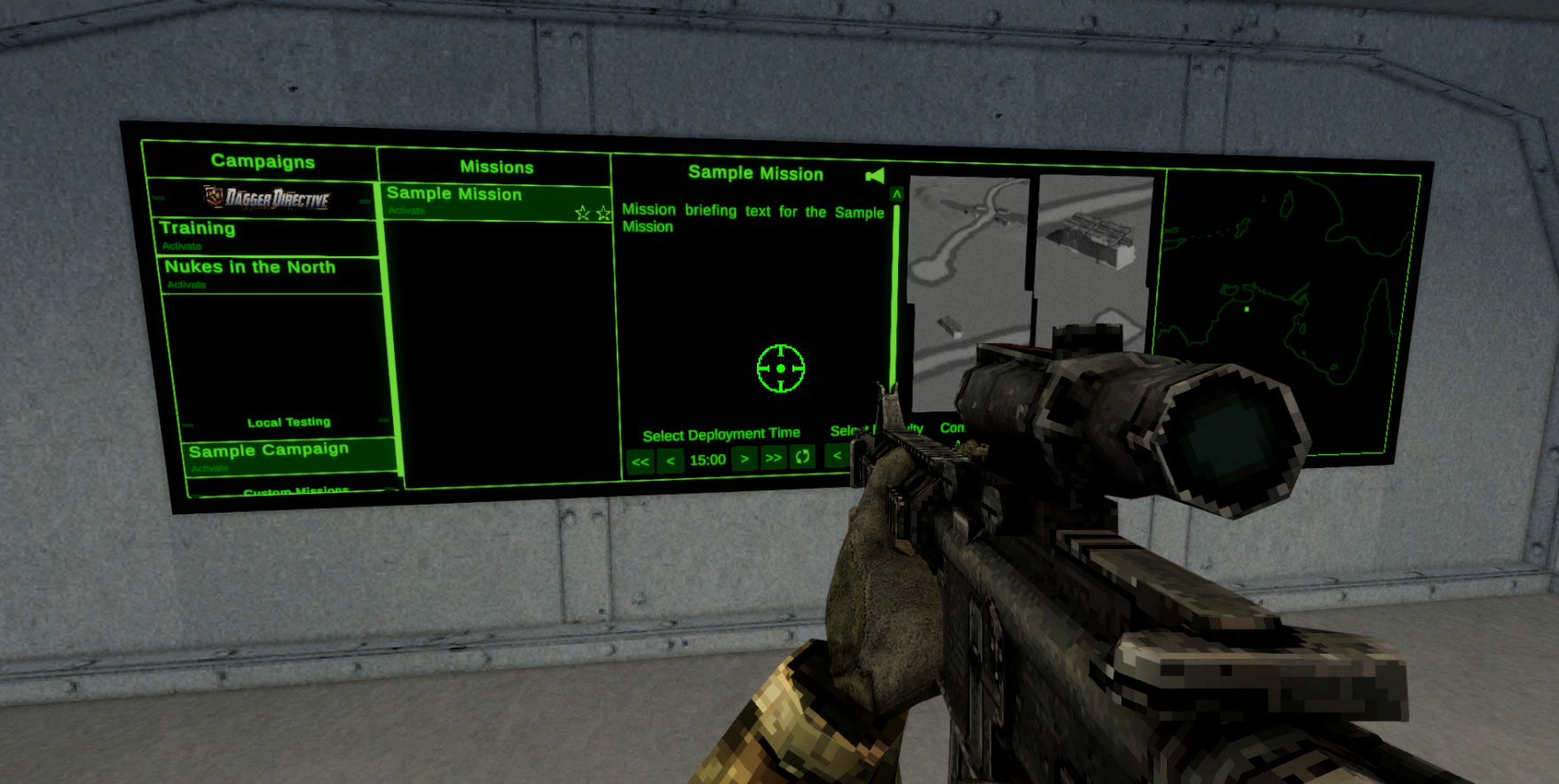
Once it’s done it’s time to test. Save your scene and close the editor, Steam will see the editor as Dagger Directive so you won’t be able to launch the game until you close the editor. Launch Dagger Directive through Steam and go to the ship. Your map will be under “Local Testing” in the campaign list.
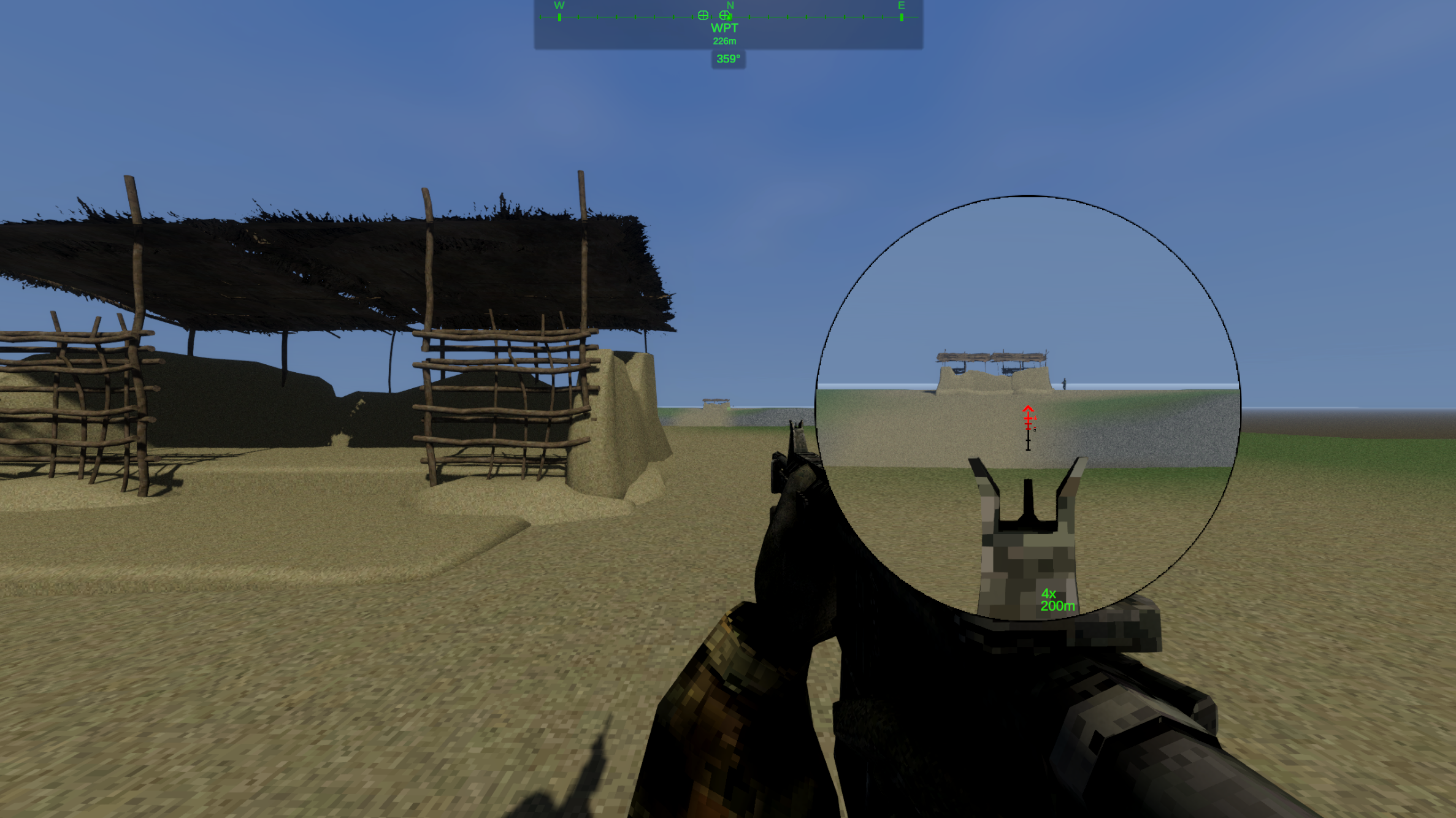
From here you can iterate on your map as much as you want before uploading it to the Steam Workshop.