
Update Map Package
1: Download the latest package: https://drive.google.com/file/d/1-2IH7u-agv4JefJRC00JquIGbaWmzziM/view?usp=sharing
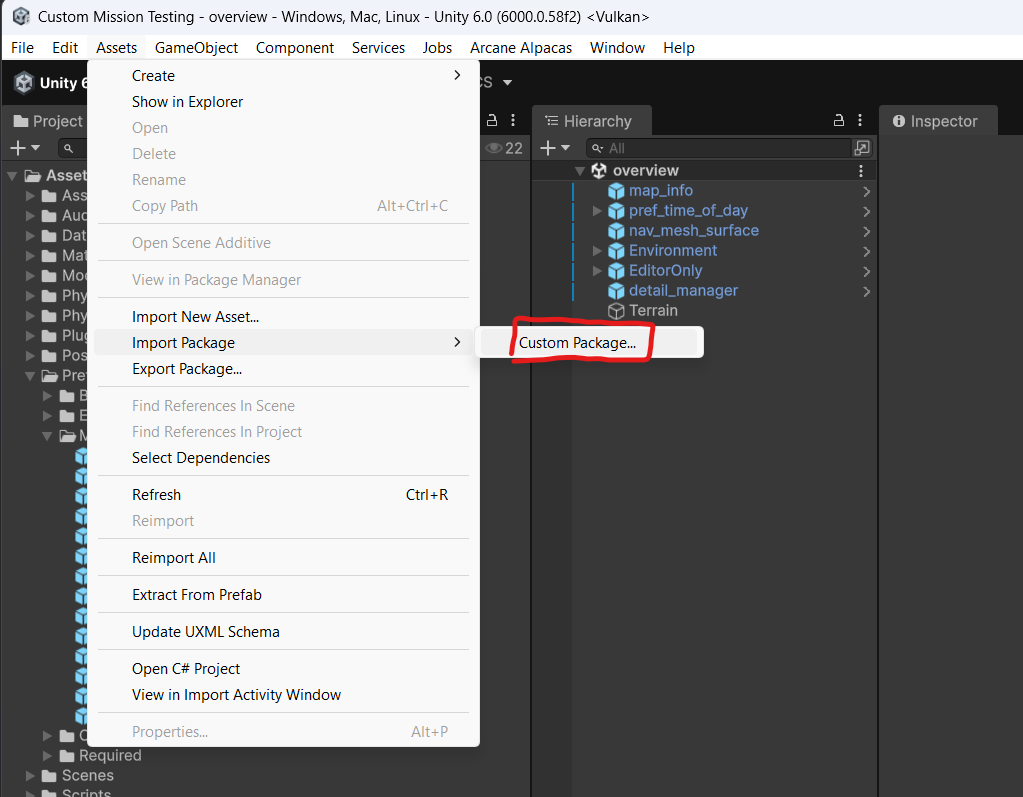
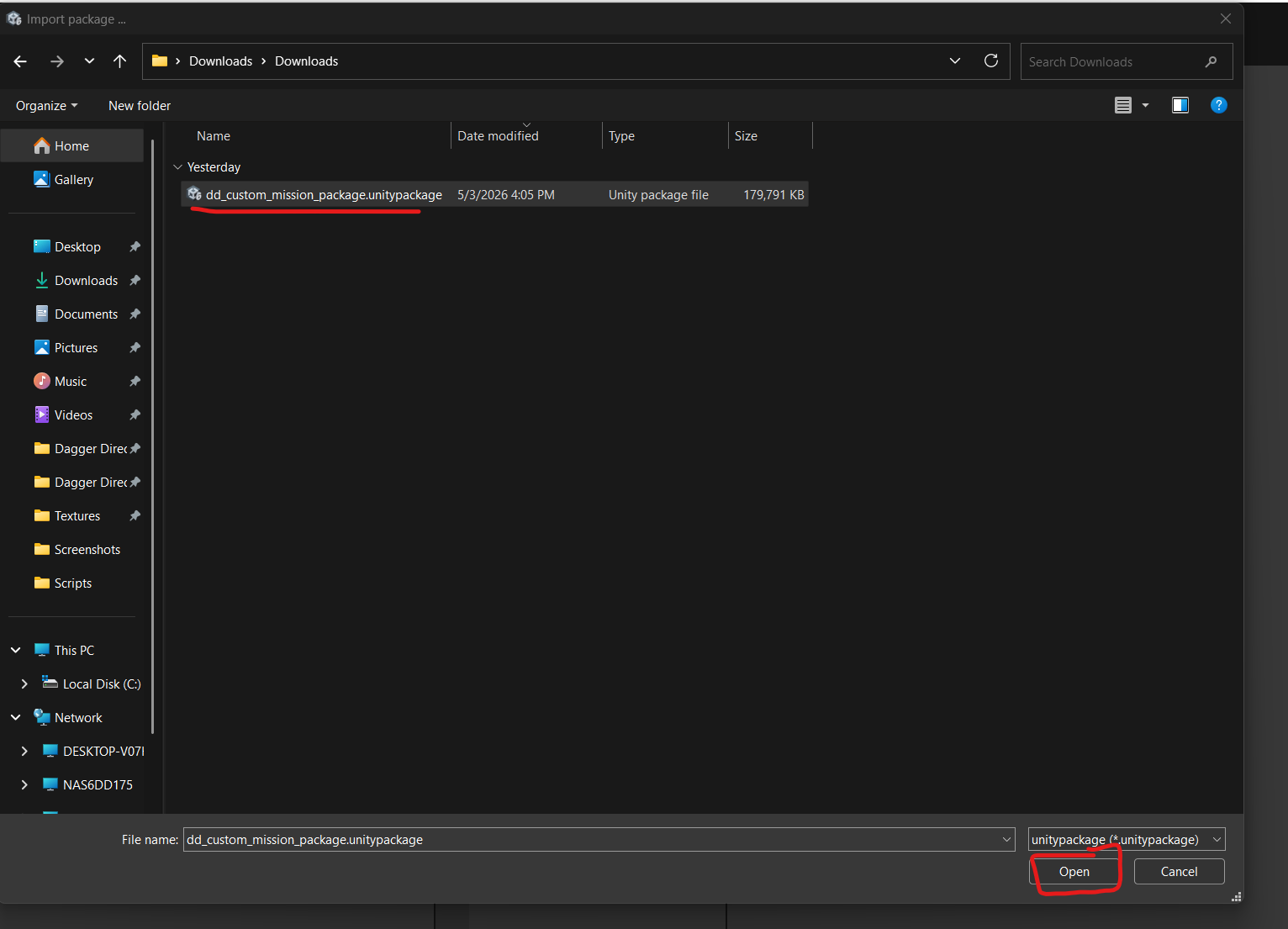
2: Import the package.
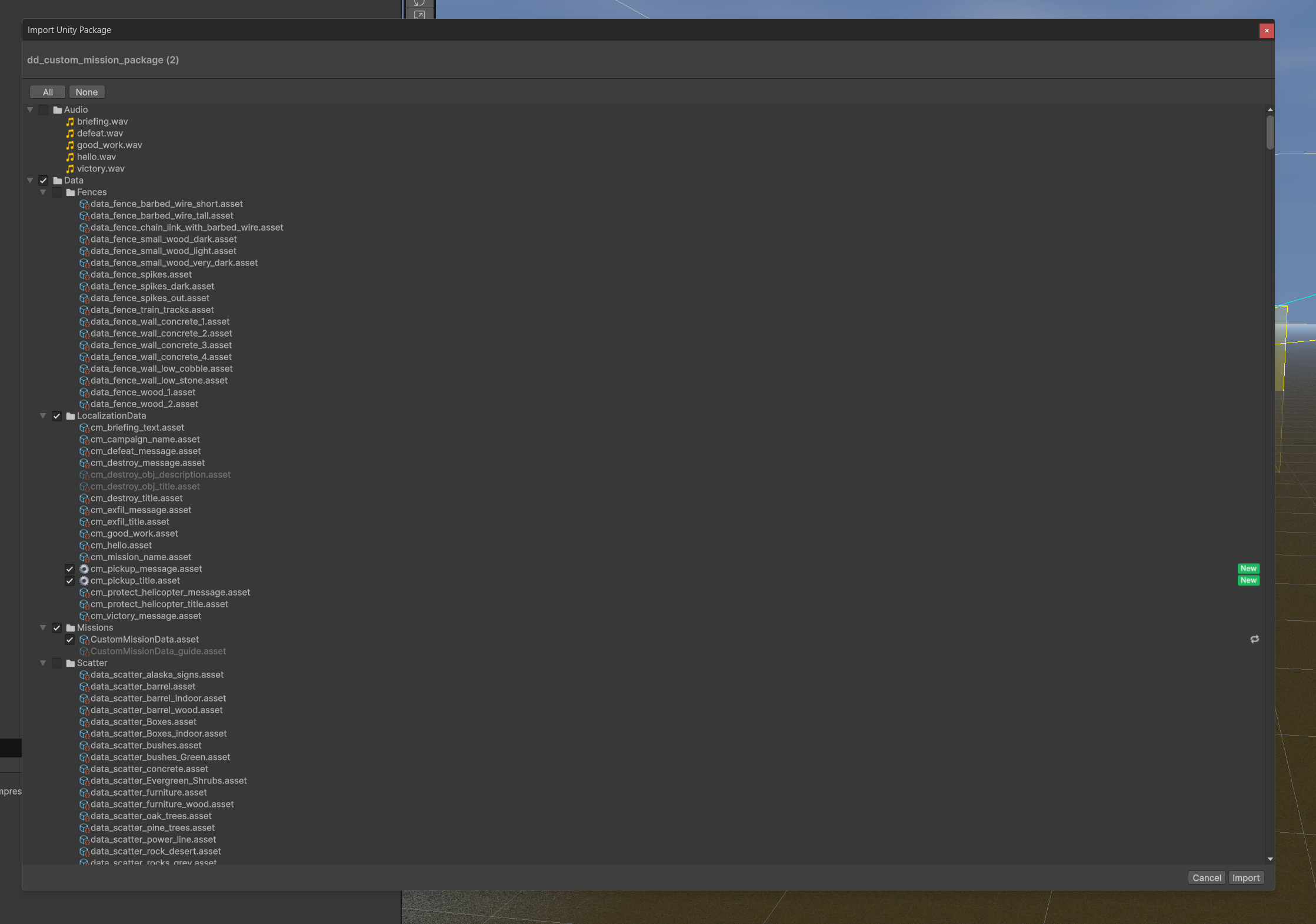
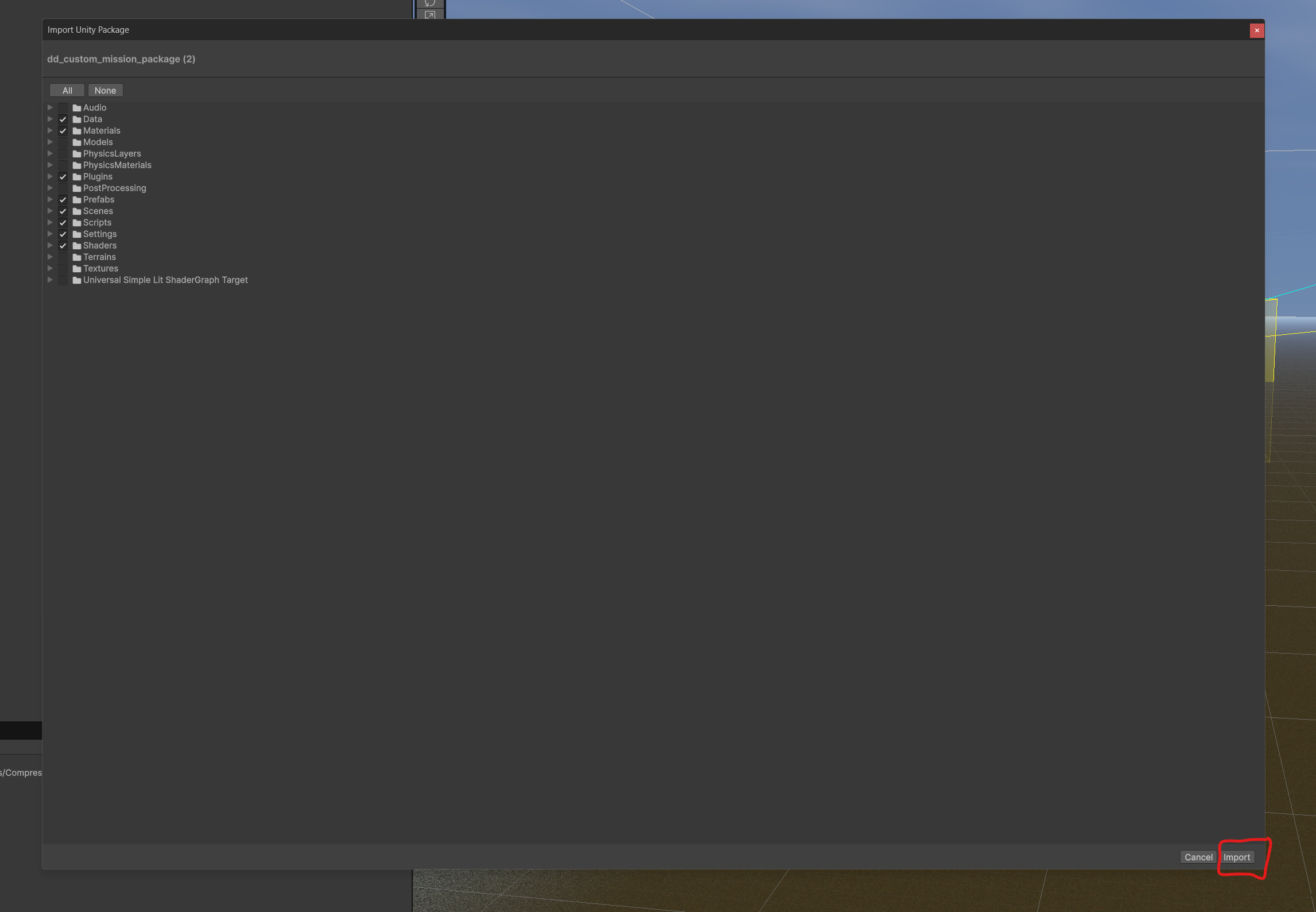
3: Review the changes in the Import Package window.
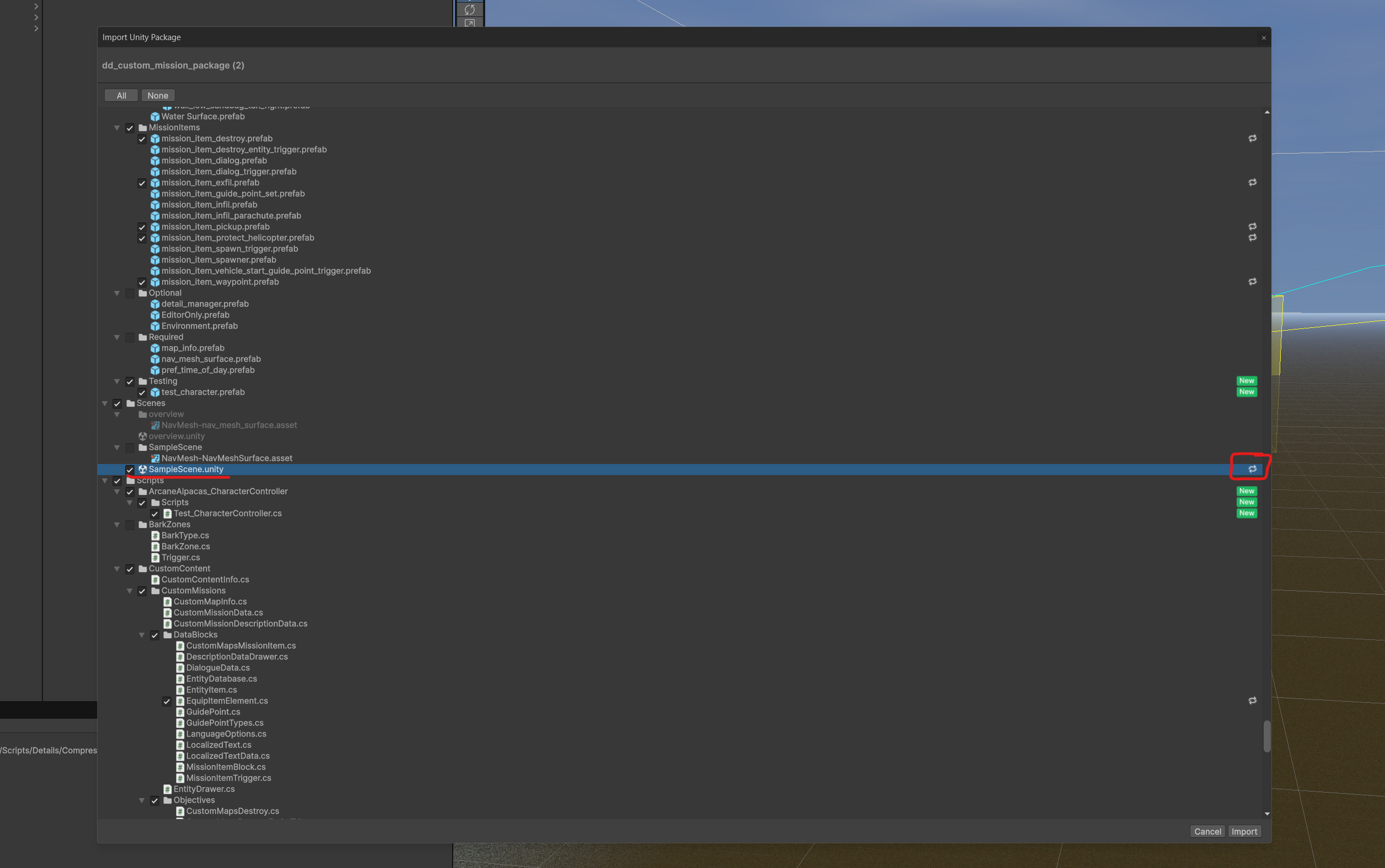
If you edited the SampleScene instead of creating a new scene you will want to save a copy of your map first. Updating the package will override existing assets.
You can see if the SampleScene is getting updated by checking for it in the list.
4: After verifying the changes, click “Import” at the bottom of the window.
Once the import finishes you can continue working!