Troubleshooting
Steam Not Initialized Error Message
This can be caused by a few things.
Make sure steam is open.
If steam is open, try closing both the Unity Editor (don’t forget to save any changes first!), and close Steam completely. Then try opening them again. Sometimes there’s a problem with initialization order when first setting up the project.
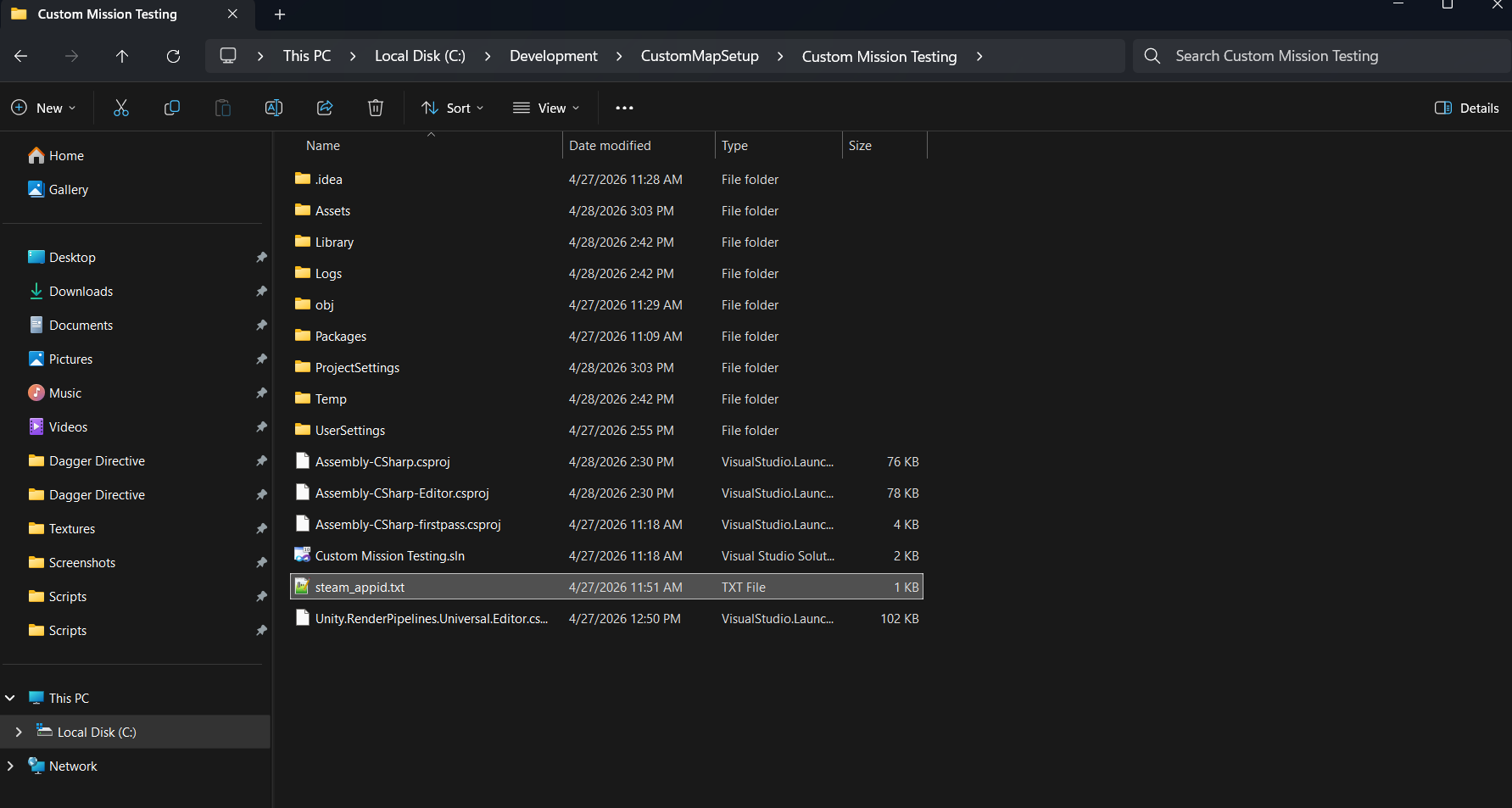
Check that the “steam_appid.txt” file is in the folder right above the assets folder in your Unity project. See the image below:
If it is missing download it from here: https://drive.google.com/file/d/122jDDLcM_61HjgEsRgHAJFm5PKt-QghG/view?usp=sharing